TapGuide Tokyo

TapGuide counter card

The card visitors tap for quick, helpful information.

What it is

A small card at the counter that visitors can tap or scan to see information.

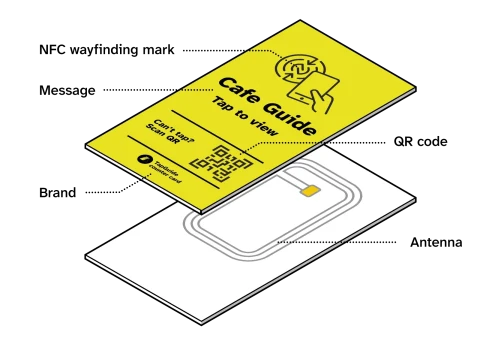
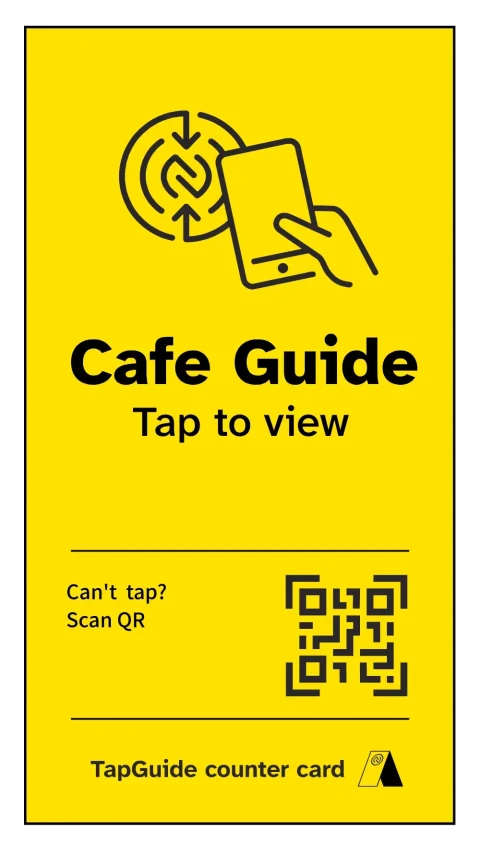
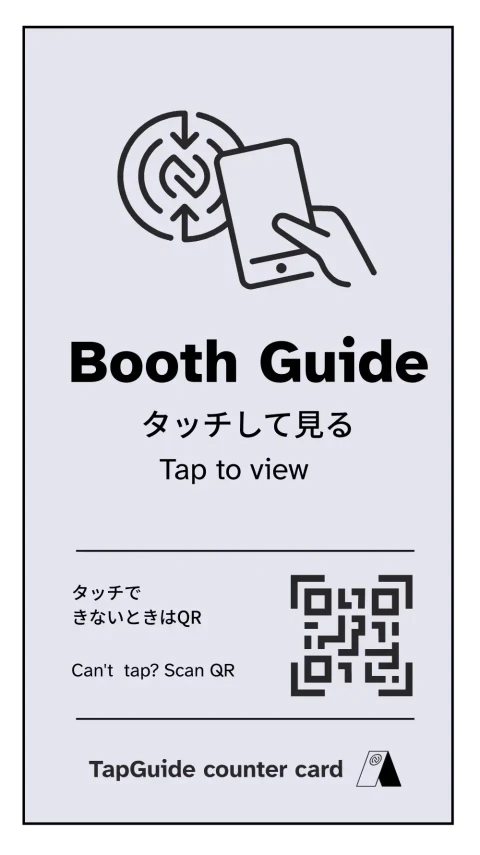
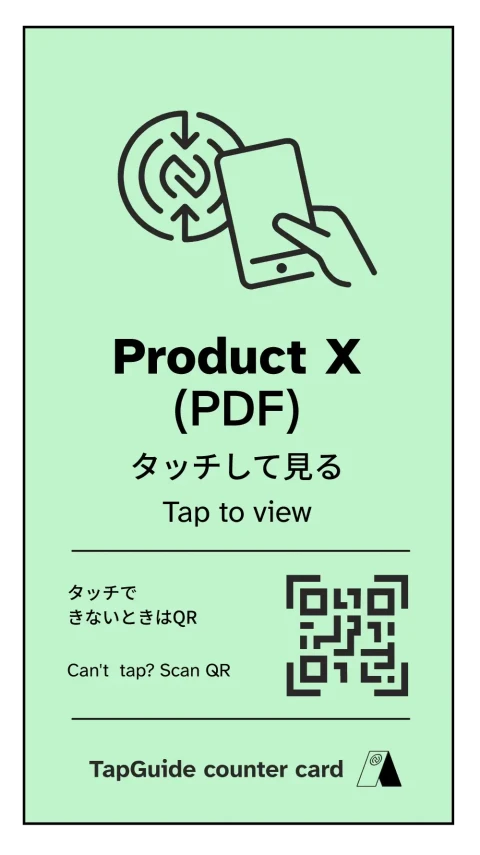
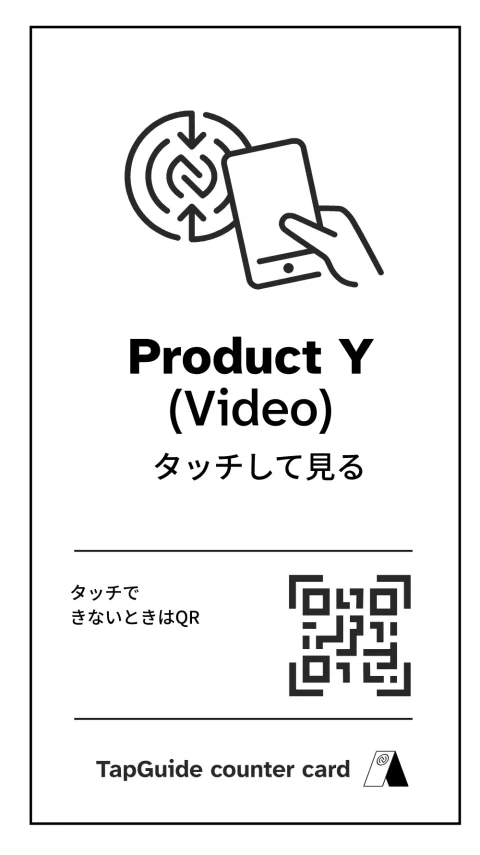
On the front:

  • An NFC mark showing where to tap
  • A short message explaining what will open
  • Space for your name or logo
  • A QR code for phones that don’t support tapping

Inside:

  • A built‑in NFC antenna that opens your page instantly

Designed for quick, easy use at the counter — as simple as tapping to pay.

The card is:

  • Small and unobtrusive
  • Angled for easy tapping
  • Clear at a glance
  • Ready to use — no setup
  • No app or download needed
Exploded view of the TapGuide counter card showing the antenna inside.

What it’s for

TapGuide counter cards help you share information with visitors — quickly, at the counter.

A card can open:

  • Instructions or step‑by‑step guides
  • Product or service details
  • PDFs or longer explanations
  • Short videos or demonstrations
  • Contact or feedback forms

It’s especially useful when visitors:

  • Need clear English explanations
  • Want more detail than fits on a sign
  • Prefer to explore at their own pace
  • Aren’t sure what something is or how it works
  • Hesitate to ask questions

Where it’s used

TapGuide counter cards are designed for visitor‑facing counters where people often need quick explanations or more information.

This includes trade‑show booths, shops and cafés, clinics and reception desks, and museums and public facilities — anywhere visitors pause, hesitate, or have questions.

Currently, they are mainly used at trade‑show booths and exhibitions, including the TASS Sustainable Taiwan Expo, the Japan Mobility Show, and the Automotive Engineering Exposition.


Frequently asked questions

Will it work with my customers’ phones?

Yes. It works with most modern smartphones. Customers can tap the card or scan the QR code.
No app or setup is needed.

Can I customise it?

Yes. The TapGuide counter card can be customised to suit your use.

As explained above, you can adjust:

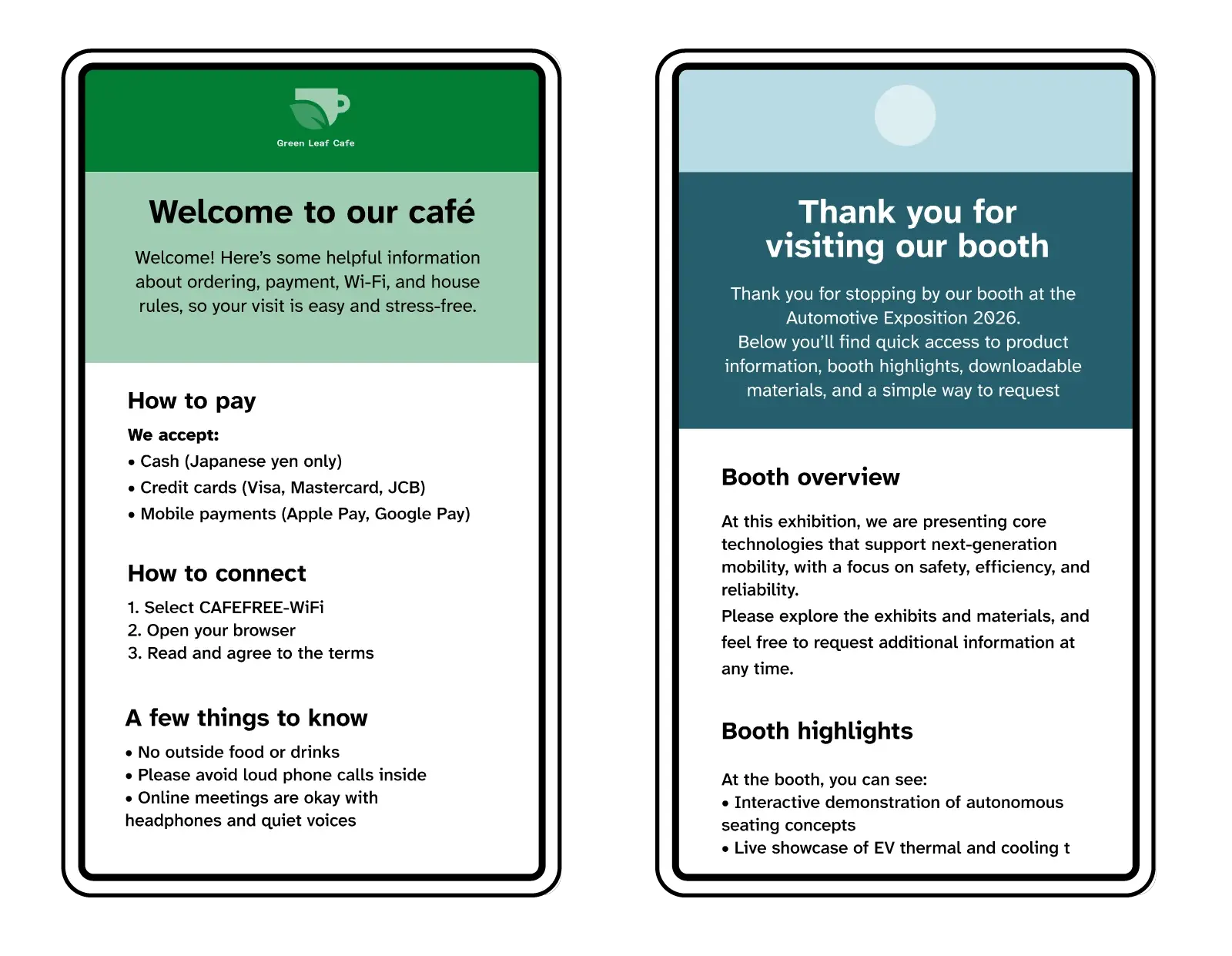
– The message (English, Japanese, or both)
– The link it opens
– Your brand name or logo
– The card’s background colour

For example:

– Tap for café guide
タッチしてカフェ案内を見る

– Tap to download
タッチしてダウンロード

What size is the card?

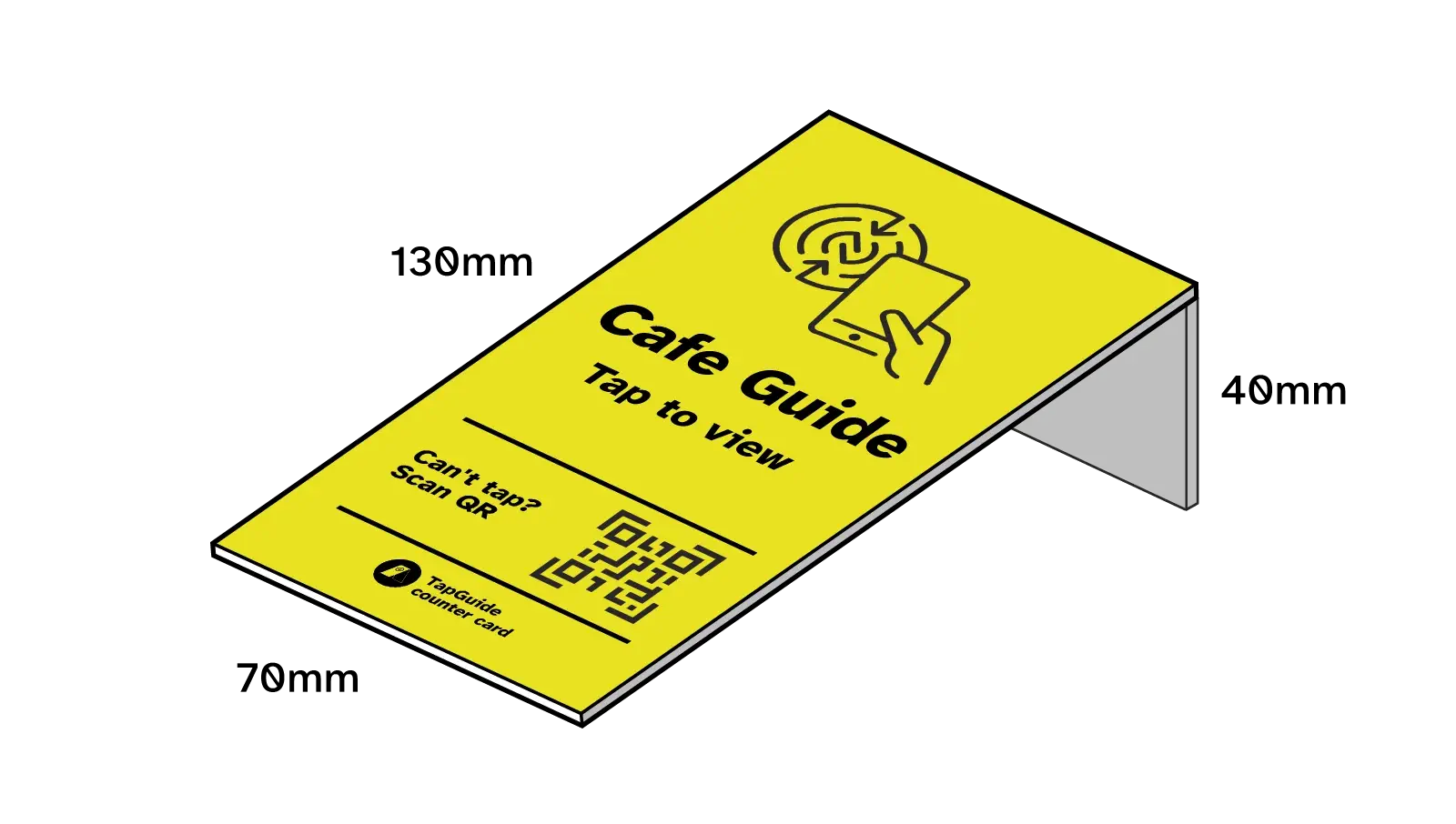
The card is 13 cm high × 7 cm wide × 3 mm thick (about 5.1 × 2.8 inches, 0.12 inches thick).
When placed in a stand, it sits about 4 cm high (≈ 1.6 inches).

Three sizes of the TapGuide counter card.
What if I don’t have a page to link to?

That’s not a problem. I can set up a simple page for you in English, Japanese, or both.

For example:

– A café guide in English for overseas visitors 
https://tapguide.tokyo/guides/cafe-guide 

– A booth guide in Japanese or English (depending on the visitor’s browser language) 
https://tapguide.tokyo/guides/booth-guide 

– A clinic guide in English for overseas patients 
https://tapguide.tokyo/guides/clinic-guide 

Who makes TapGuide counter cards?

It’s just me — Wayne. I’m based in Kuramae, Tokyo and work in trade shows and events.

Other questions?

If anything’s unclear, feel free to get in touch.

Get a free sample

If you’re based in Tokyo and interested, fill in the form below.

I’ll send you a TapGuide counter card and stand, set up with your link so you can try it on your own counter. If you find it useful, I can visit, explain the details, and talk through customisation and ordering.

There’s no obligation — just a simple way to see how it works in practice.

Please solve this calculation problem: 61 + 8