How TapGuide Works
Sharing helpful info is easy: Place, Tap, View.
1. Place
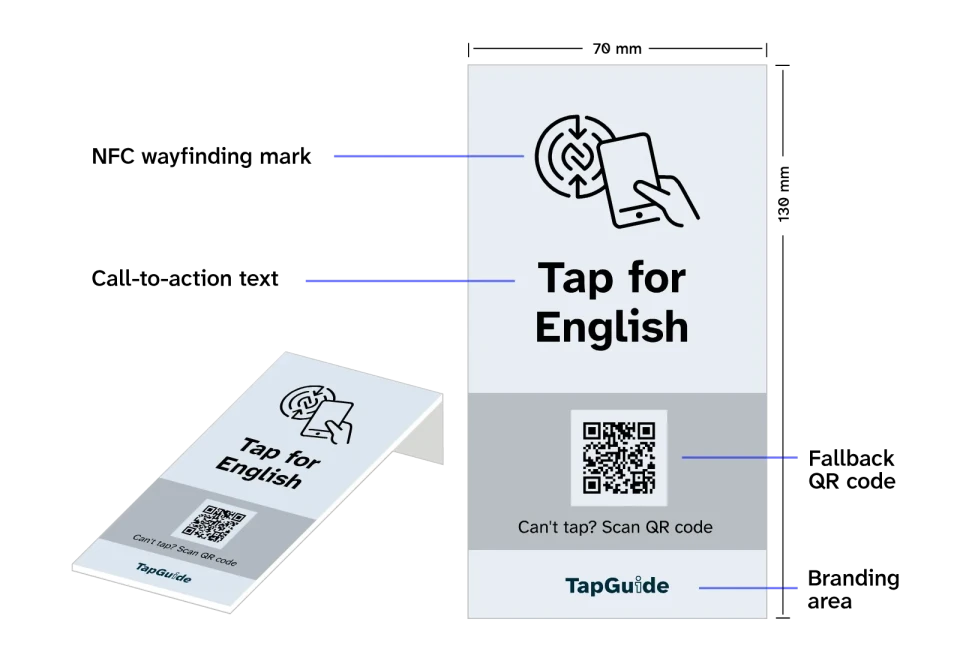
Place a TapGuide card where visitors can easily see and tap or scan it.
Every TapGuide card is designed for clarity and interaction. It includes:
- Inviting text
- Instructional NFC Wayfinding Mark
- QR code for backup
- Space for your brand
2.Tap
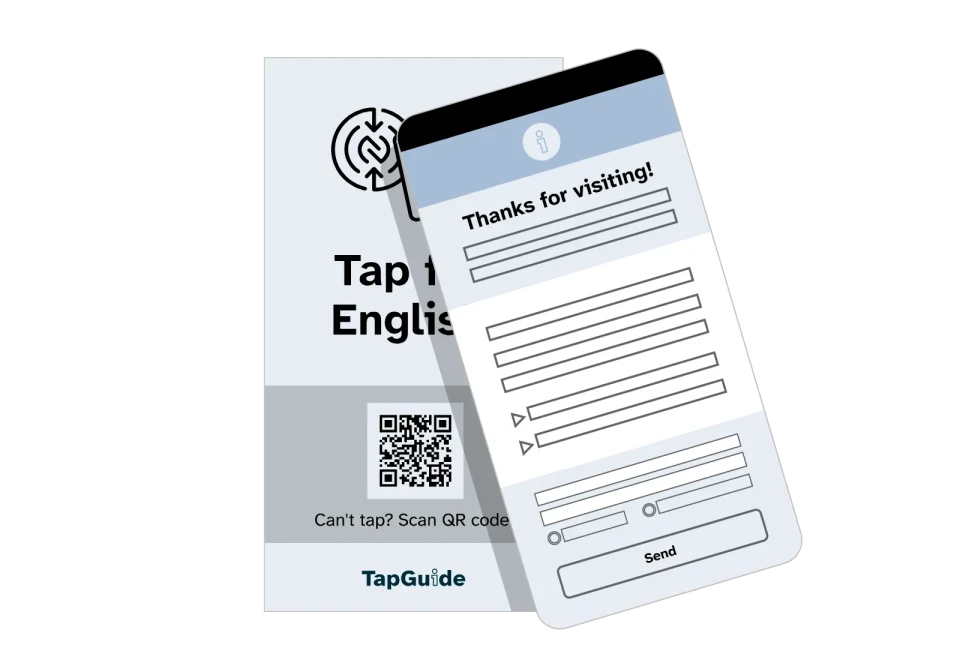
Visitors tap the card with their phone and open your TapGuide page instantly.
If tapping doesn’t work, the QR code gives them the same easy access.
3.View
Visitors view your TapGuide page.
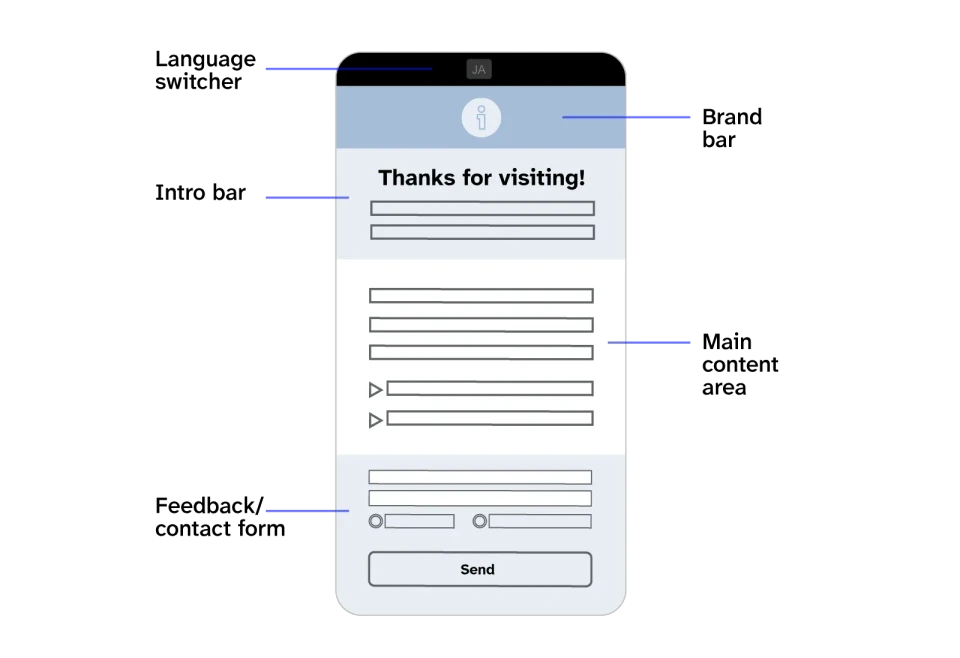
Your page presents the info you want to share in a clear, easy-to-understand format:
- Language switcher
- Brand bar for your logo or image
- Intro bar for your page title and short intro
- Main content area (text, lists, images, videos, accordions, etc.)
- Optional form for questions or feedback